Sphinx themes
These are Sphinx themes that the Write the Docs community recommends. The Sphinx ecosystem includes many themes - this list highlights popular, well-maintained options. If there are others you like, feel free to open a pull request to add them.
Requirements to be included on this list:
Mobile Ready
Nice fonts and typography
Installable as a Python module
Maintained and documented
Furo theme
Our first recommendation for new projects. Originally built for the pip documentation, this mobile friendly theme is minimal but customizable and has carefully designed navigation features (sidebar, inter-page links).
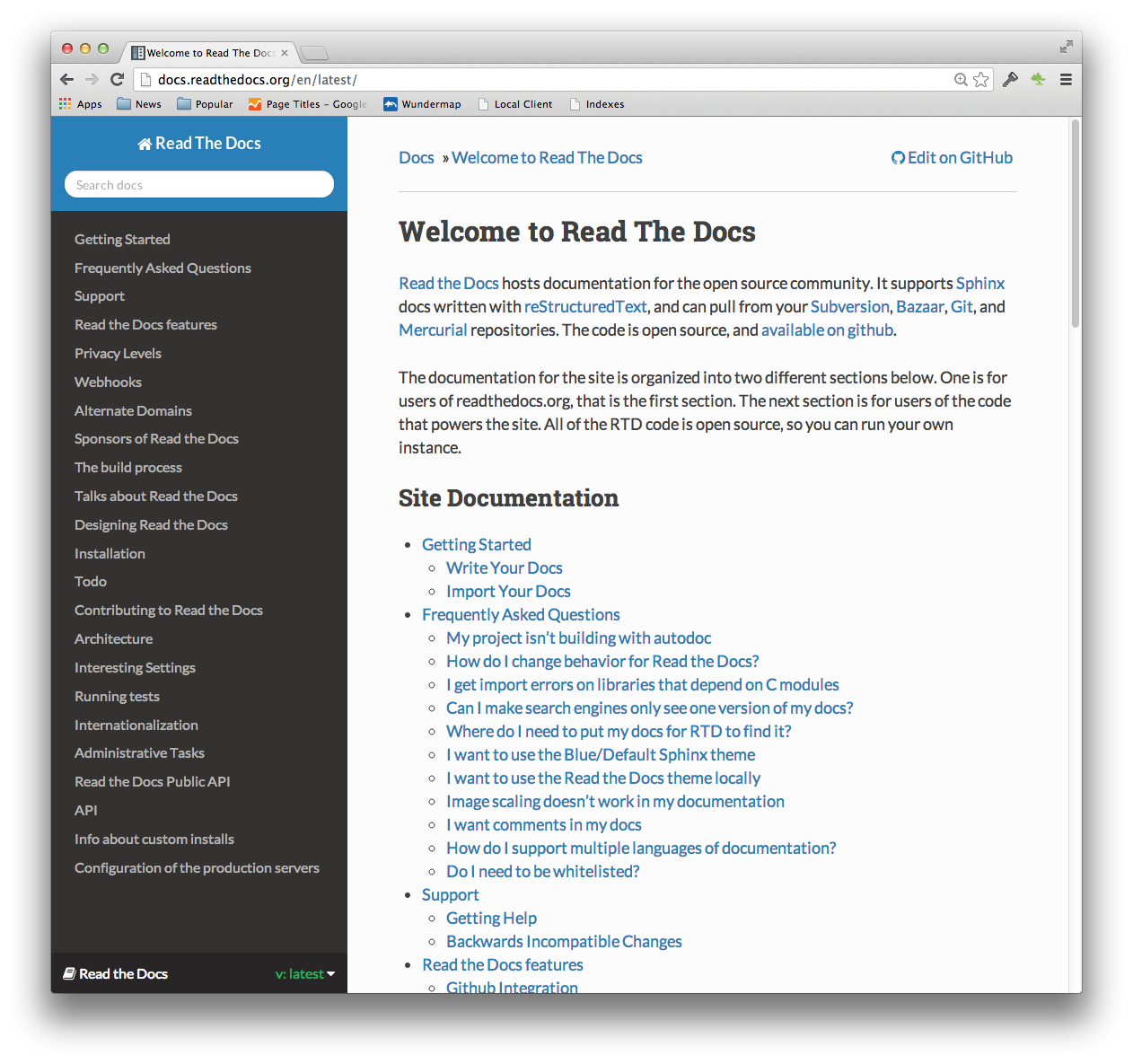
Read the Docs theme
The official theme for Read the Docs. It features beautiful typography and a nice blue color scheme. It looks great on mobile, and provides a menu of all the pages on the left-hand side.
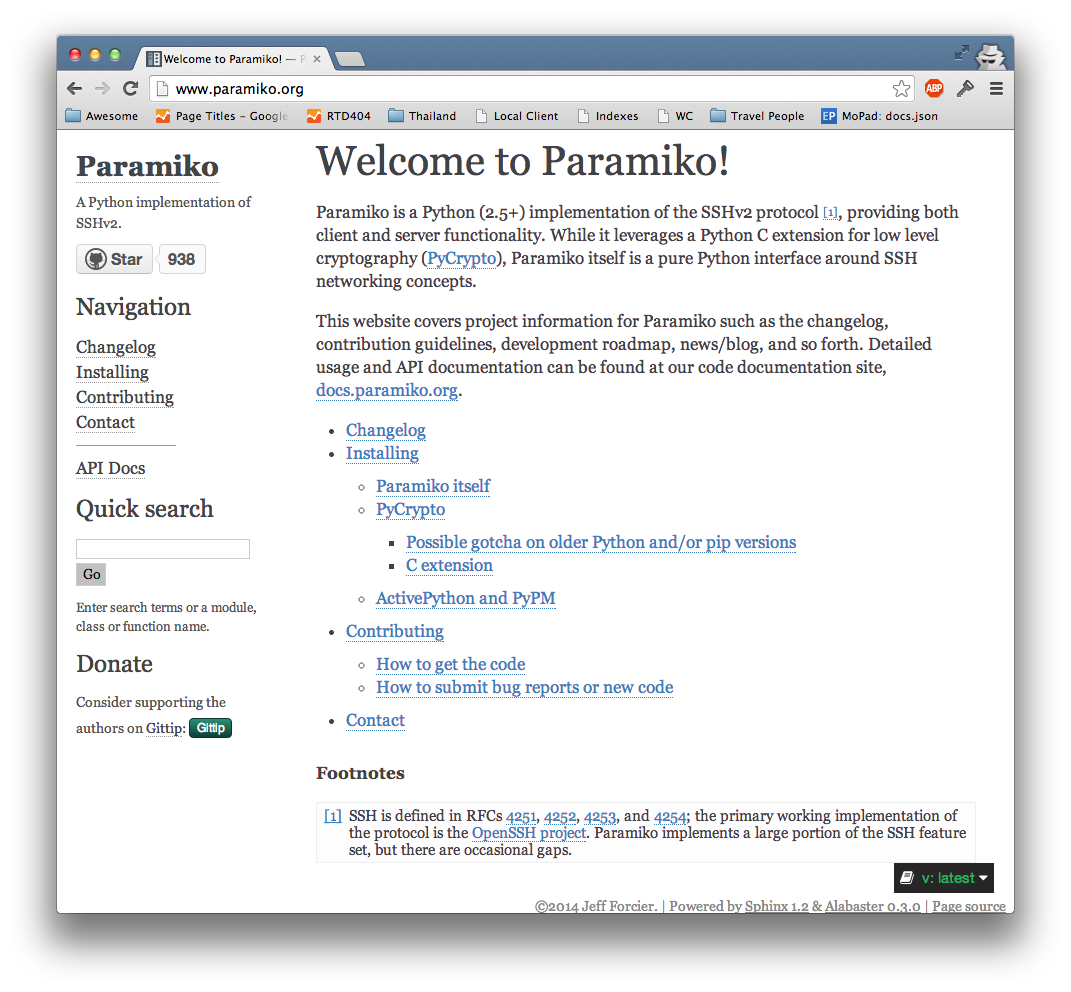
Alabaster
Sphinx’s default theme, based on the original Flask and KR themes. It provides very minimal markup. It’s great for text content where you just want to make the words front and center.
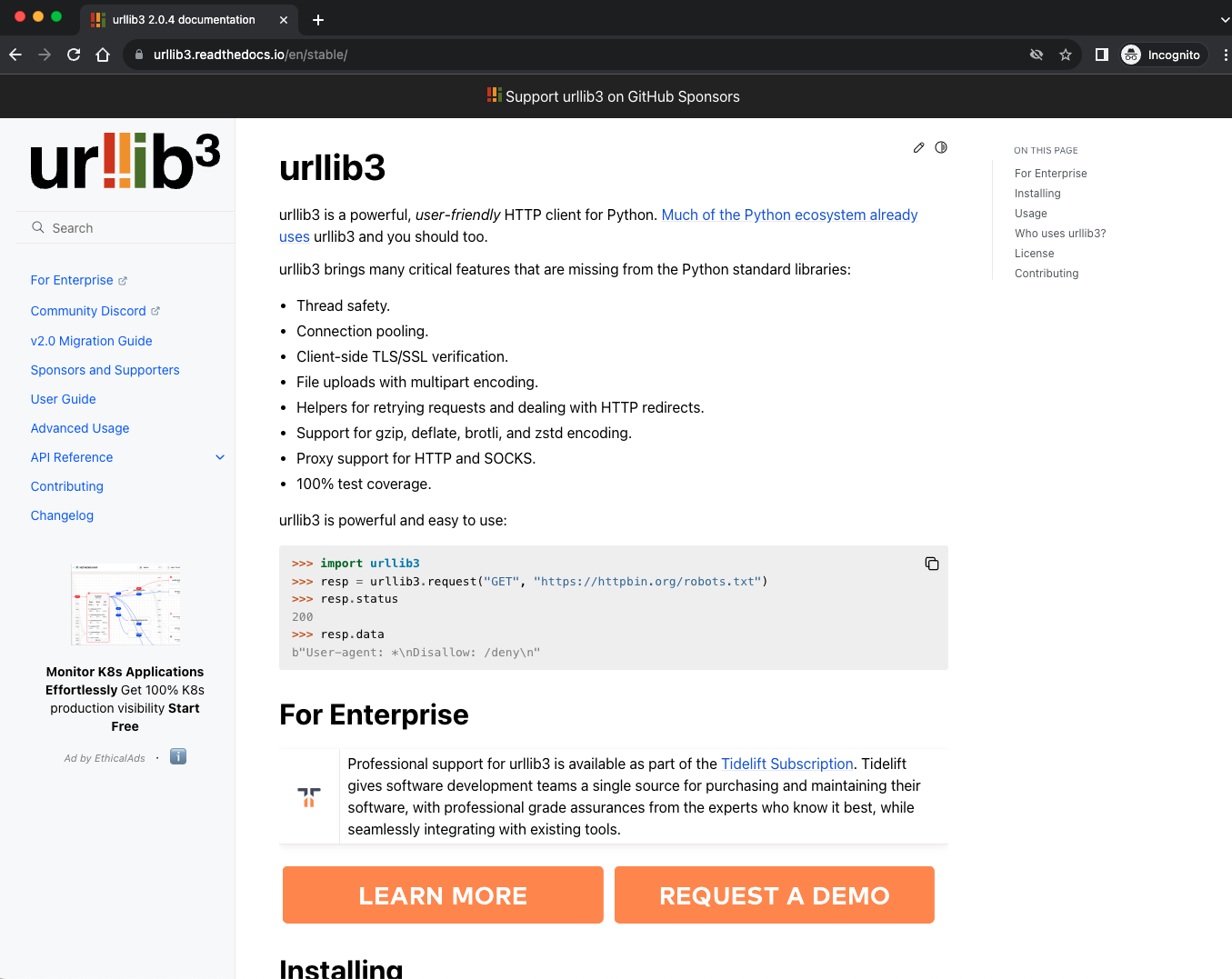
PyData Sphinx theme
A clean, three-column, Bootstrap-based theme widely adopted by scientific and data science projects. Features responsive design and excellent navigation for complex documentation.
Shibuya
A modern, responsive theme with excellent light/dark mode support and great integration with Jupyter extensions. Features Radix color system and flexible layouts.
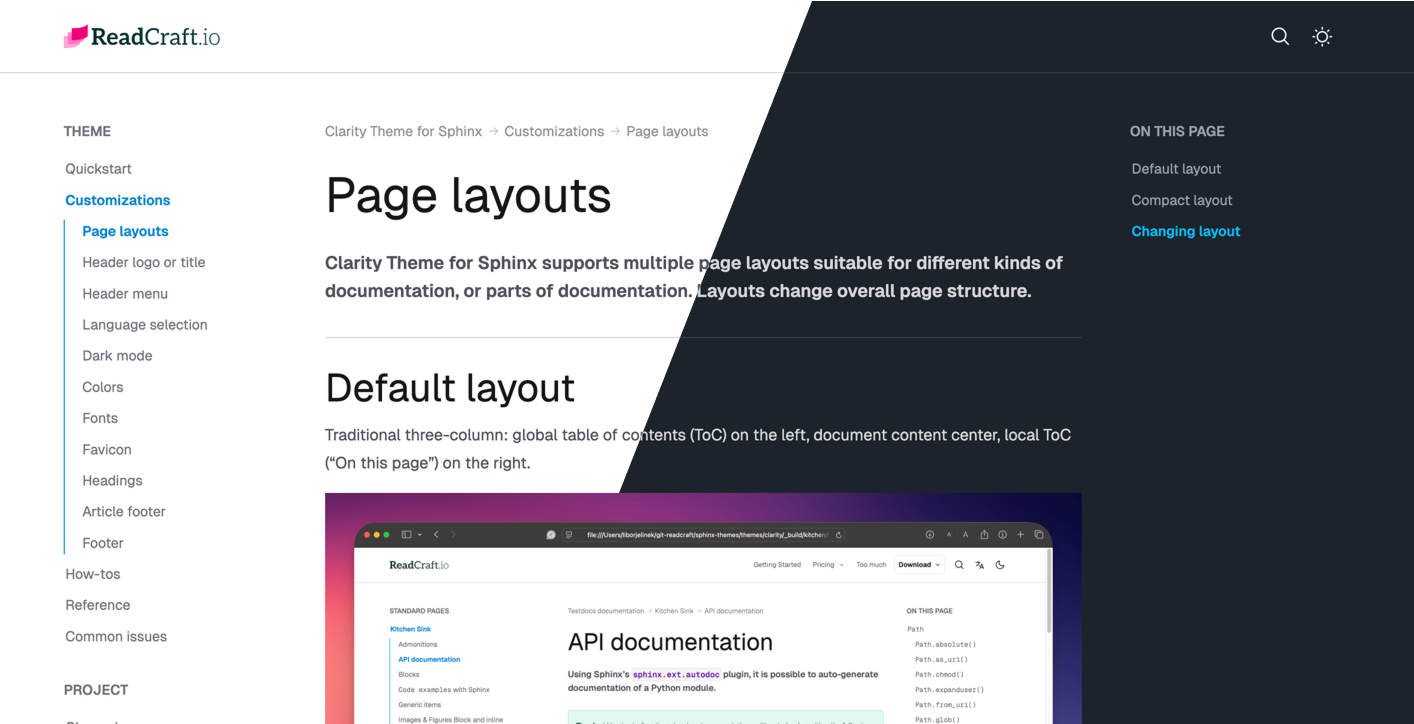
Clarity theme
A clean and professional documentation theme for Sphinx. Modern design with light/dark mode, responsive layout, and beautiful typography.